



Description
An instrument that draws
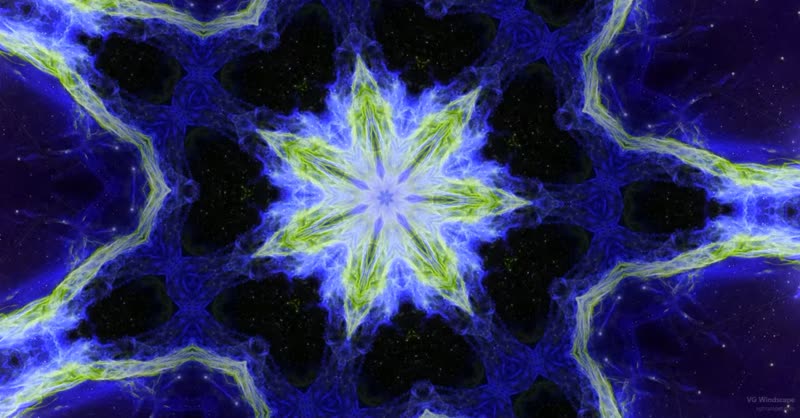
Breath moves the brush, notes place and colour it, and a picture is made in a second window while you play. Not a visualiser watching finished audio from the outside: the image comes from the playing itself, so it follows the intention rather than the loudness, and the same piece played twice gives two different pictures.
Twenty two effects, from rain and frosted glass to liquid, kaleidoscope and handwriting. The brush paints out of photographs, a set of which comes with the instrument, and you can point it at a folder of your own. Scenes drift between saved looks on their own while you play. One button records the picture together with the sound and saves a video file.
The visual window runs beside the instrument rather than inside it, so however busy the picture becomes it cannot reach the sound. It needs Google Chrome, which is the browser that lets a page listen to MIDI, and an internet connection the first time it opens, after which it works offline for good.
Sound that can hold still
A picture that builds over a minute needs music that can wait for it. In Pad/Scape mode each of the three instrument sections gets an attack and a release of up to three seconds, its own delay and reverb, and a freeze worked from the controller rather than from the screen. One breath becomes a bed that keeps sounding while the image grows on top of it.
The 13 sound sets included
Pad Late Thaw
Pad Weather Front
Pad Warm Fog
Pad Slow Amber
Pad Night Meadow
Pad Iron Sleep
Pad Silver Rain
Pad Drifting Reeds
Pad Turning Light
Pad High Frost
Pad Northern Glass
Pad Long Shadow
Pad Black Water
It grows with the sound collection
Every sound set in the VG Sound Collection plays in VG Windscape: the same files, in the same folder, that VG Wind Ensemble uses. Sets are bought one at a time or in collections and added whenever you like. It works both ways, too: the 13 pad sets play in VG Wind Ensemble as well, and anything you already own is in VG Windscape the moment it is installed. Further sound sets: vgtrumpet.com/vg-sound-collection/
The instrument
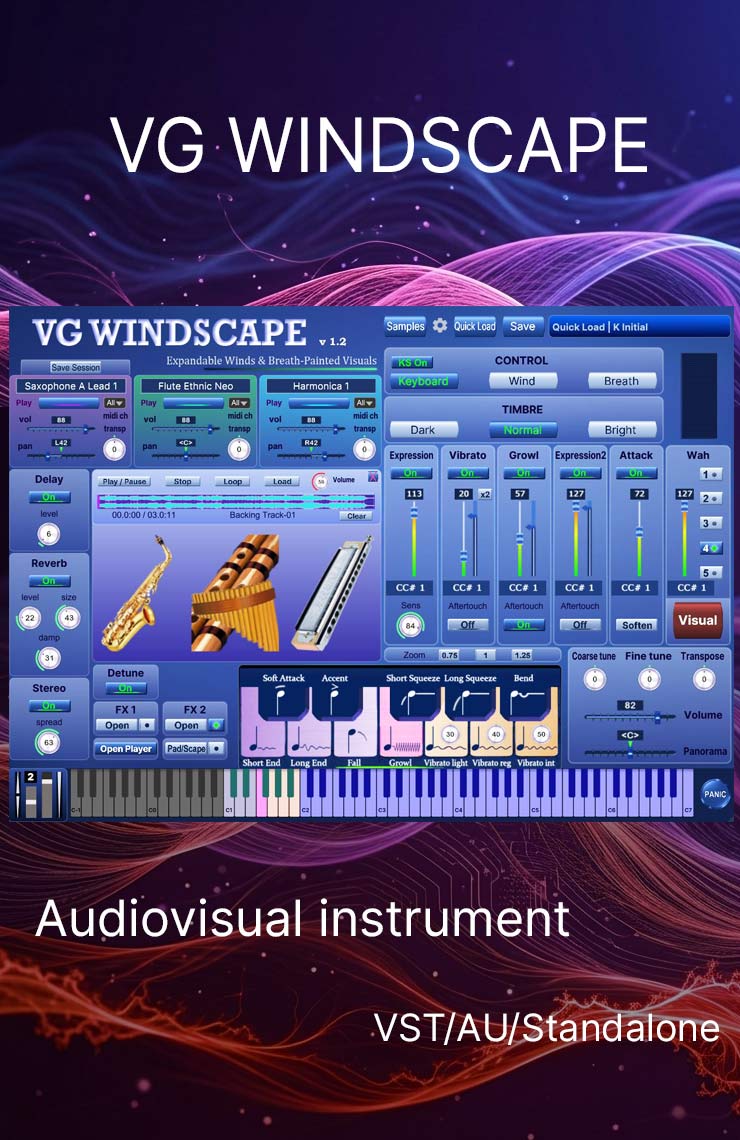
- Built on the VG Wind Ensemble engine: three instrument layers, breath and wind controller handling, keyswitches, harmonizer, portamento, backing track player
- Works with Windows and Mac as a standalone and runs as a plugin in all major DAWs (Cubase, Logic Pro, Ableton Live, Reaper, FL Studio etc.) as VST/VST3/AU
- Compatible with breath controllers (AirMotion, TEControl, MRTAudio), wind controllers (AKAI EWI4000s, EWI5000, Solo, Roland Aerophone AE-10, AE-20, Pro AE-30, Yamaha WX, Yamaha YDS, Berglund NuEVI, NuRad, EMEO, Robkoo R1, Clarii mini, DigiBrass Tilt, Tipsy etc.), and MIDI keyboard controllers. The picture can also be played with an ordinary MIDI keyboard, or with the mouse alone
- Aftertouch, Mod Wheel and Keyswitches to morph and perform sounds while playing
- Articulations: Falls, Squeezes, Soft attack, Accented attack, Bend
- Expressive effects: Expression, Attack, Vibrato, Growl, Wah
- Additional effects: Portamento, Morph Mixer, Chorus, Phaser, Filter, Modulation
- Reverb, delay and stereo control to fit the instrument in every mix
- Custom designed, unique GUI
- Recorded sample quality: 24 bit / 44.1 kHz
Before you start
- VG Windscape Quick Start Guide: installing, connecting a controller, and every panel of the instrument
- VG Windscape Visual Manual: every effect and every control of the visual window
- Video: “VG Windscape, the instrument that paints while you play”
- The demo runs in your browser, with no installation and nothing to sign up for